How to Shoot Product Photos with Your Phone
You do not need a studio to get usable product photos. Soft light, a steady angle and a clean background do most of the work. Once you have one good original, AI can change the background and styling afterwards.
Make product photos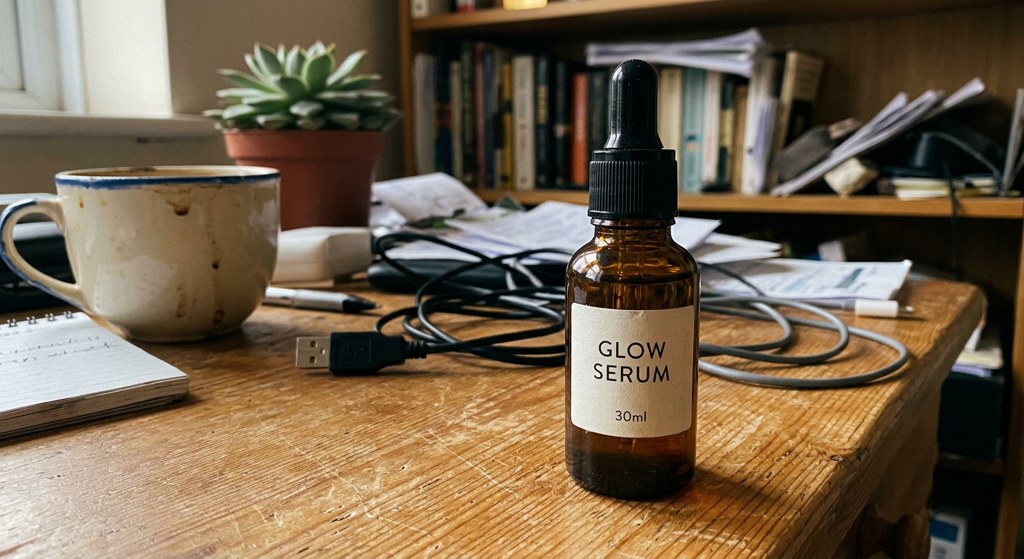
Light
- Indirect window light is the easiest setup; direct sun makes hard shadows.
- Turn off the flash to avoid glare and hot spots.
- Use a white foam board on the opposite side as a reflector to soften shadows.
Angle and framing
- Use the 1x lens from slightly above product height (wide lenses distort shape).
- Fit the whole product in frame with a small margin.
- Shoot front, 45°, side and detail (label, texture) under the same light.
Background
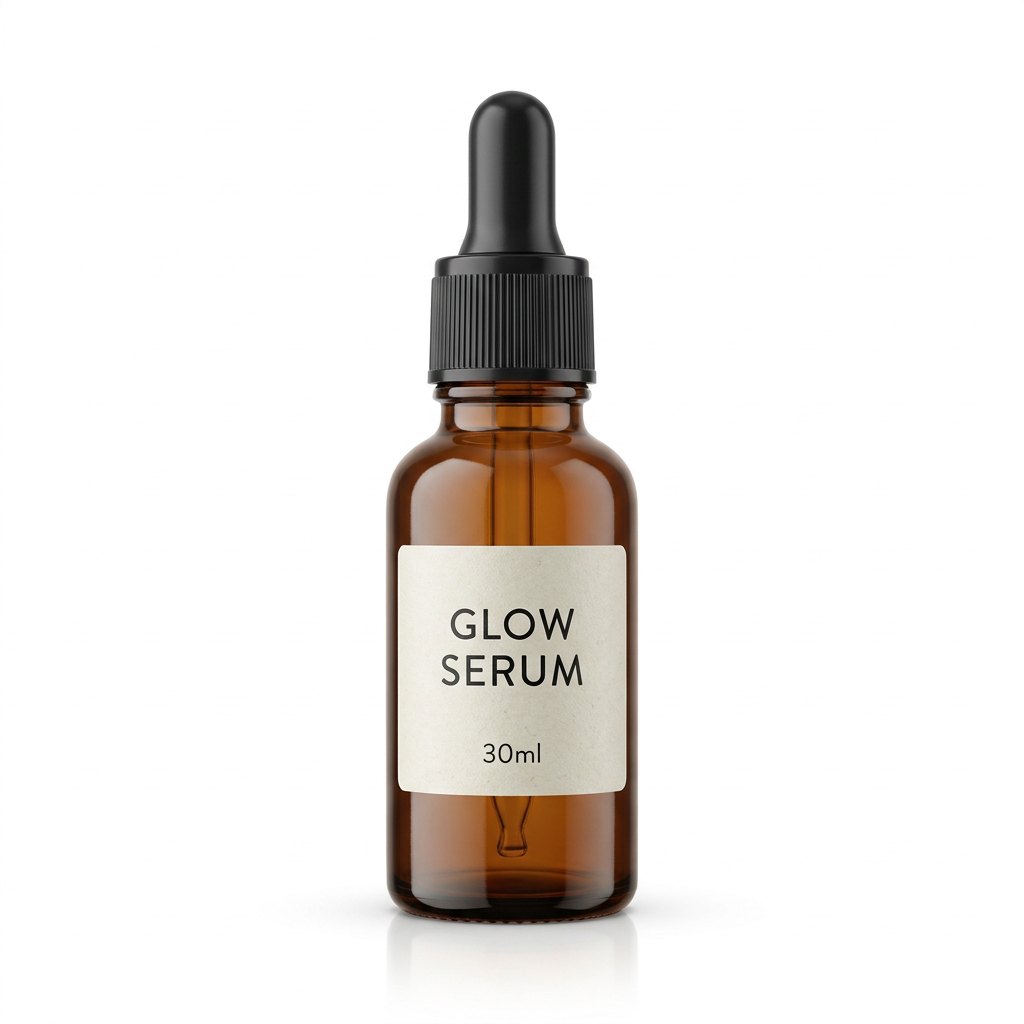
- Curve white paper or foam board from the wall down to the table for a seamless sweep.
- Glass and metal reflect their surroundings, so clear the area around them.
- Marketplace image rules (Coupang, Naver Smart Store): image guide.
Swap the background with AI
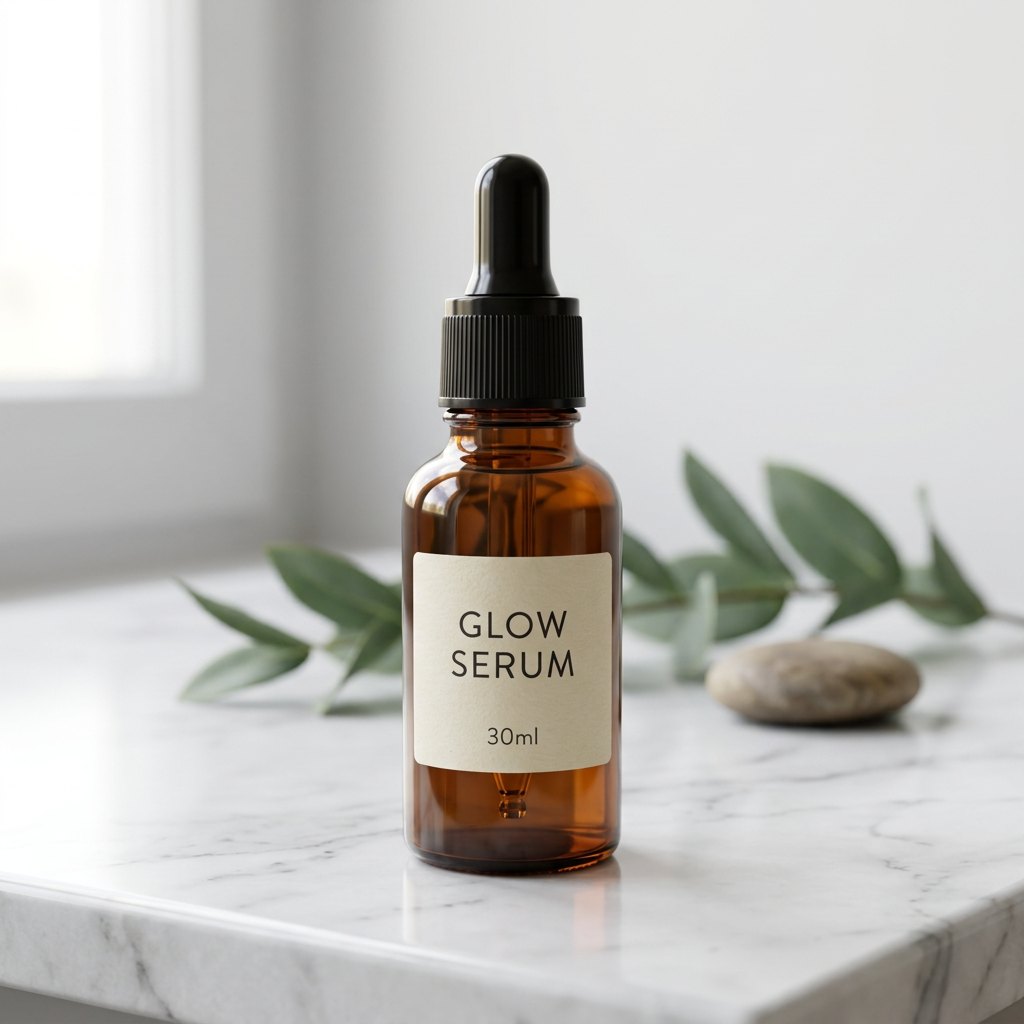
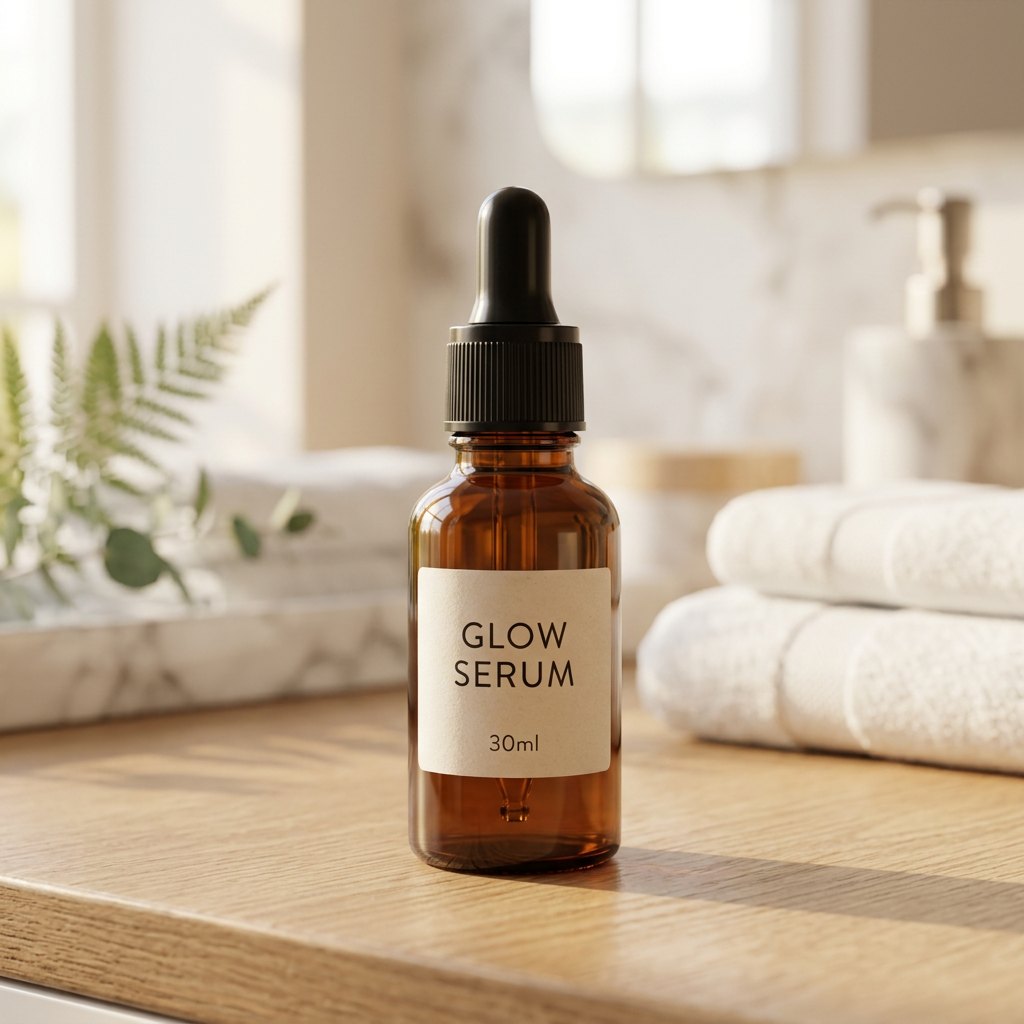
- Sadana Product Photo keeps the product shape, logo and label and changes the background and lighting. Each run makes 6 scenes: clean white, marble, lifestyle, nature, color studio and seasonal.
- Very small text can occasionally blur, so check before you publish.
- Only need the background removed? Try the free background remover.
FAQ
Is a phone good enough?
Yes. Light and a clean background matter more than the camera.
Do I need a white background?
Amazon and Coupang main images require white; additional and detail images often use styled scenes.
Can I use the AI photos commercially?
Yes, for selling and advertising your own products.
How much is it?
Starter is $9 for 15 photos in 6 scenes; Pro is $19 for 45.
Related
Amazon white background photosEtsy product photosFree background remover (img.sadana.app)
Last updated: 2026-10-16